
Control.Movement – WASD
Jump – Space
Open Inventory – E
Exit to the menu – ESC
Dig a block – Left mouse button
Place Block – Right Mouse Button
Choosing a block to build – mouse wheel
To exchange blocks in quick access, select the block to replace with the mouse wheel, proceed to the inventory, and click on the preferred block.
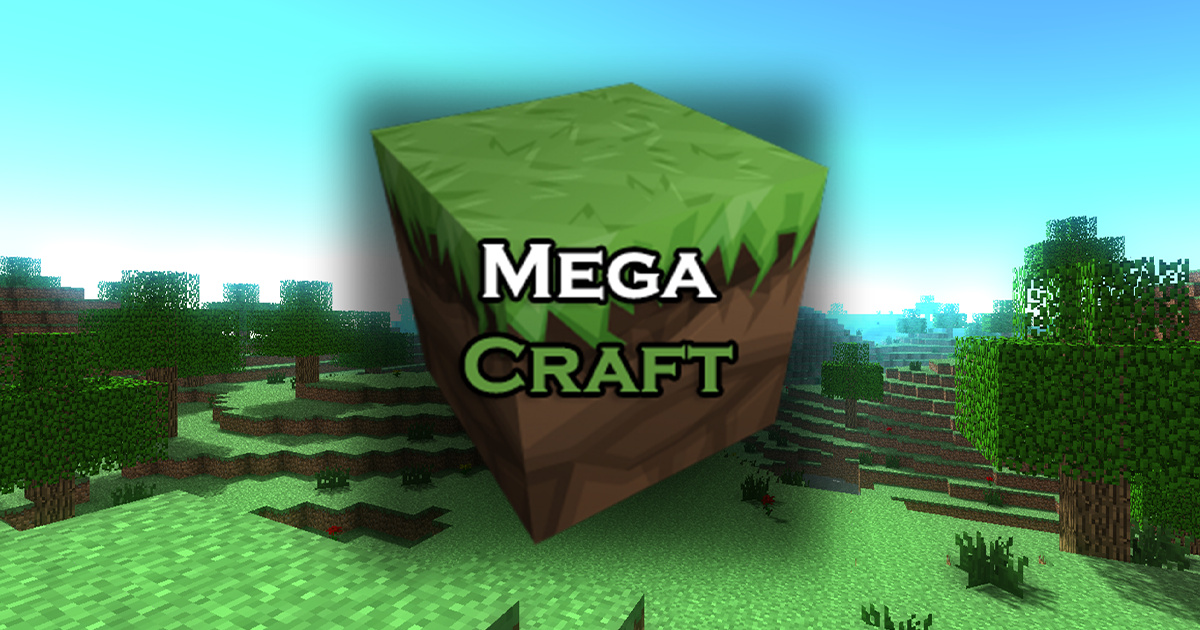
MegaCraft – Design your perfect world
MegaCraft is a cube-type construction simulator similar to Minecraft. You can gather cubic blocks and store them in your inventory, after which you can select this block from your inventory and position it elsewhere, enabling you to build homes and various structures.
Do you enjoy crafting games? MegaCraft is a new building game from 2021. In MegaCraft, you can unleash your imagination! The game offers you complete freedom to construct and create. Appropriate for both girls and boys. Craft and build, design a house or even a magical city, without boundaries.
Movement – *WASD*
Jump – *Space*
Open Inventory – *E*
Exit to the menu – *ESC*
Dig a block – Left mouse button
Place Block – Right Mouse Button
Choosing a block to build – mouse wheel
MegaCraft – Build your perfect world Screen Shots: